Account
Sign-in methods
Email and social sign-in options.
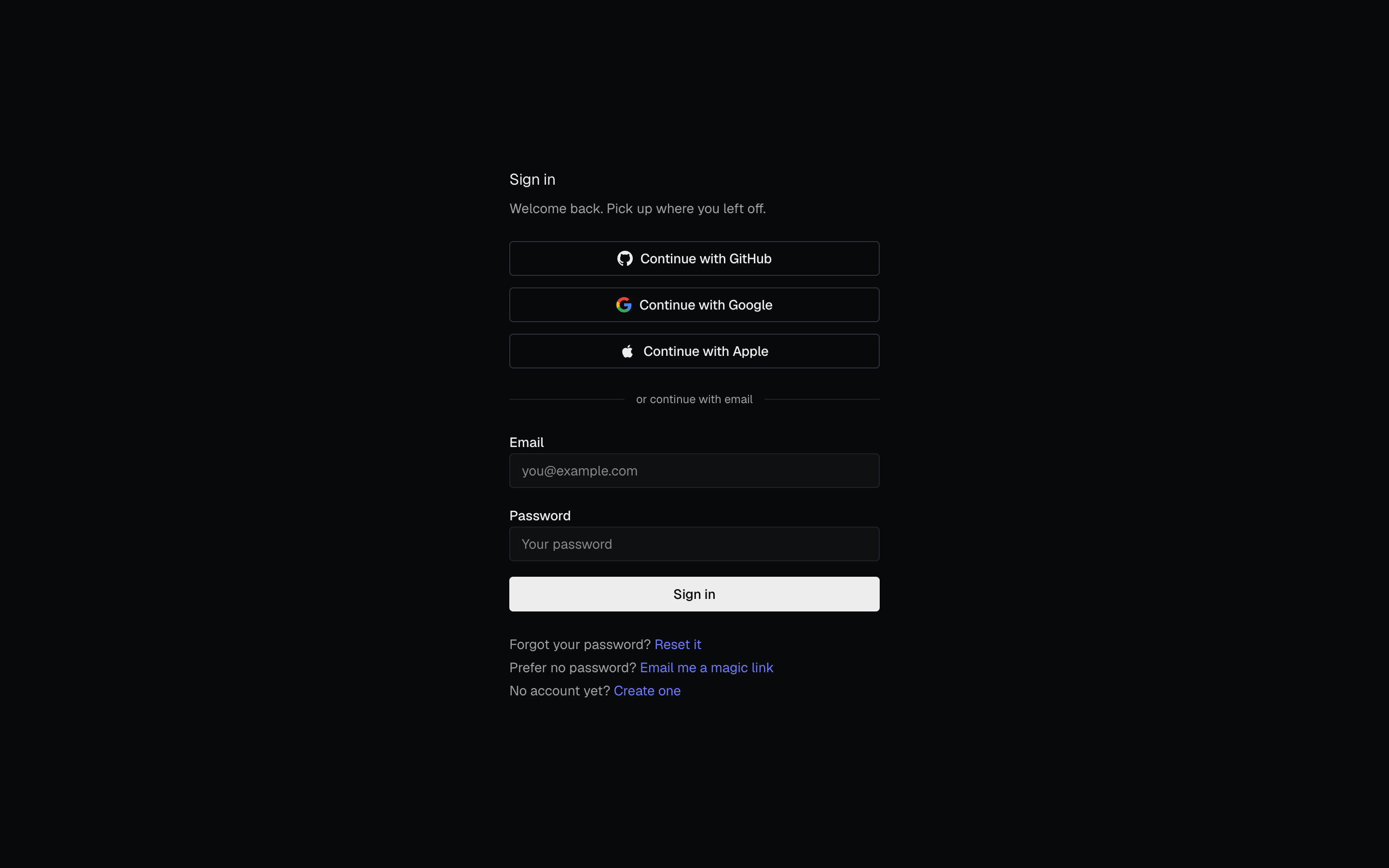
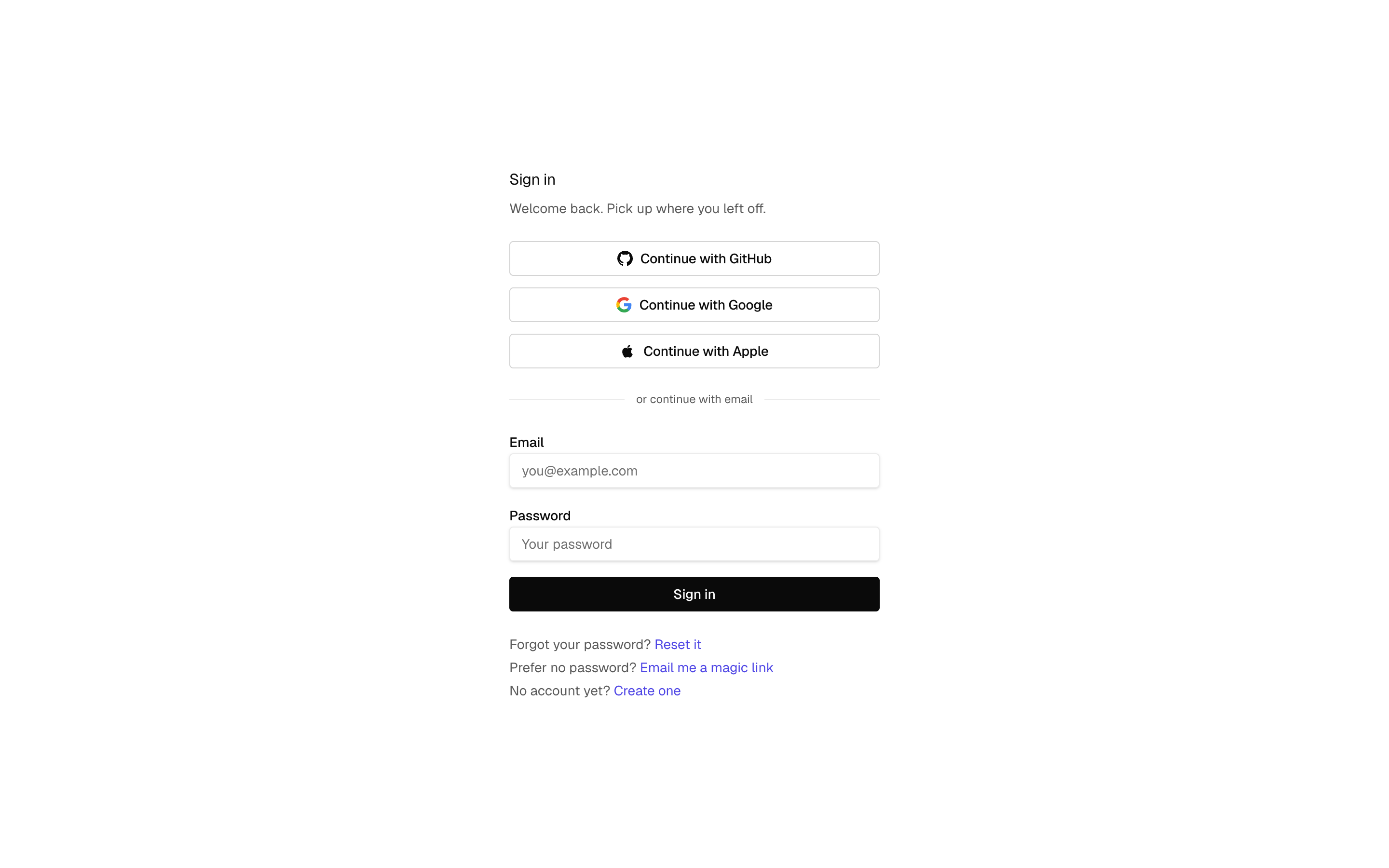
You can sign in to PageWarden with an email and password, or with a social account.
Available methods
- Email and password. Sign up with your email; you will confirm it once by clicking a link we send you.
- Magic link. On the sign-in page, choose Email me a magic link to sign in without a password. We email you a one-time link that logs you straight in.
- Google.
- GitHub.
- Apple.
Using more than one method
If you sign in with a social account that uses the same email address as your existing account, PageWarden links them so you land in the same place either way. That means you can start with email and later use Google, or the reverse, without creating a second account.
Changing your password
If you signed in and want to set a new password, open Settings and use the Password section: enter your current password, then the new one twice. If you are locked out instead, use the password reset link on the sign-in page.
Trouble signing in
- Make sure you are using the same method and email you signed up with.
- If you signed up with email and cannot get in, use the password reset link on the sign-in page.
- Still stuck? Email [email protected].