Getting started
Create your account
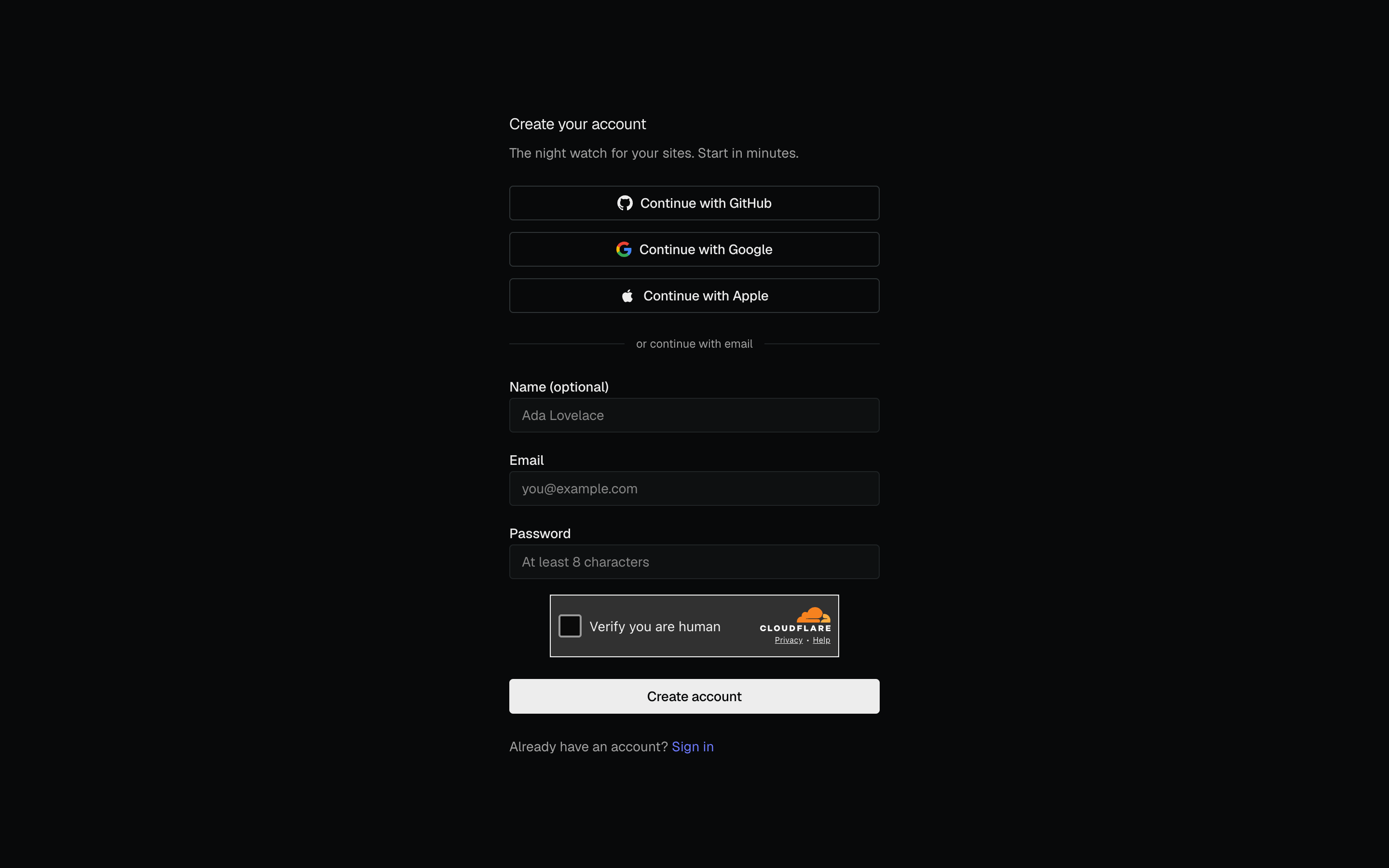
Sign up for PageWarden and choose a plan.
You can be up and running in about two minutes. No credit card is needed to start on the Free plan.
Sign up
- Go to app.getpagewarden.com.
- Choose how you want to sign in: an email address and password, or one of the social options (Google, GitHub, or Apple). See Sign-in methods for the full list.
- If you signed up with email, check your inbox and click the verification link to confirm your address.
That is it. You land on your dashboard, ready to add your first monitor.
Do I need to pay?
No. The Free plan covers up to three monitors with uptime, SSL, and domain checks and email alerts, and it stays free for as long as you like with no credit card.
If you want more monitors, faster checks, more alert channels, or the advanced checks, you can choose a paid plan and start a short trial of it. See Plans and billing and How trials work.