What each monitor checks
The checks a monitor runs, and how to watch more than one thing.
You don't add checks to a monitor one by one. When you add a website monitor, PageWarden automatically runs a set of checks on it, and the monitor's type decides the main thing it watches.
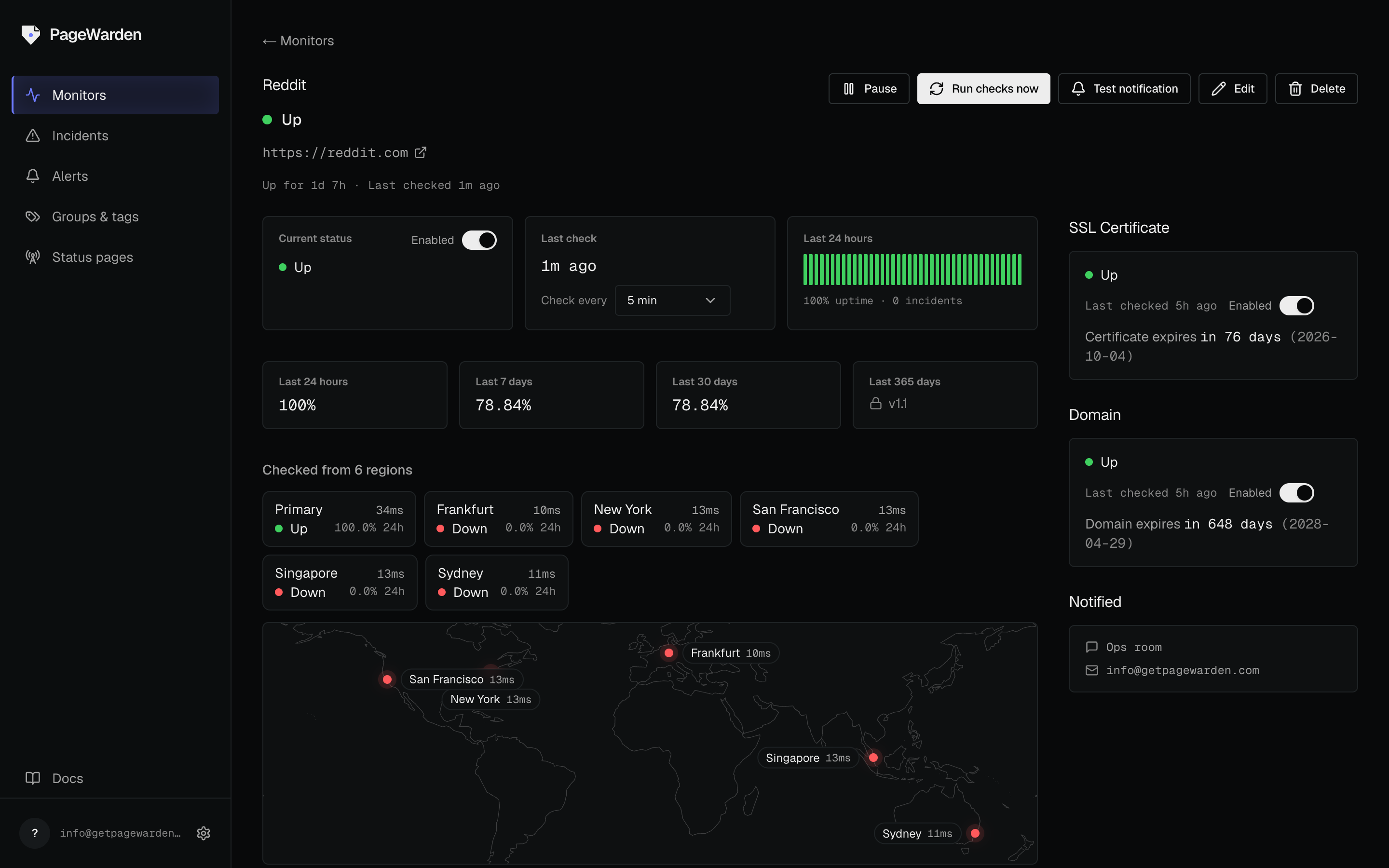
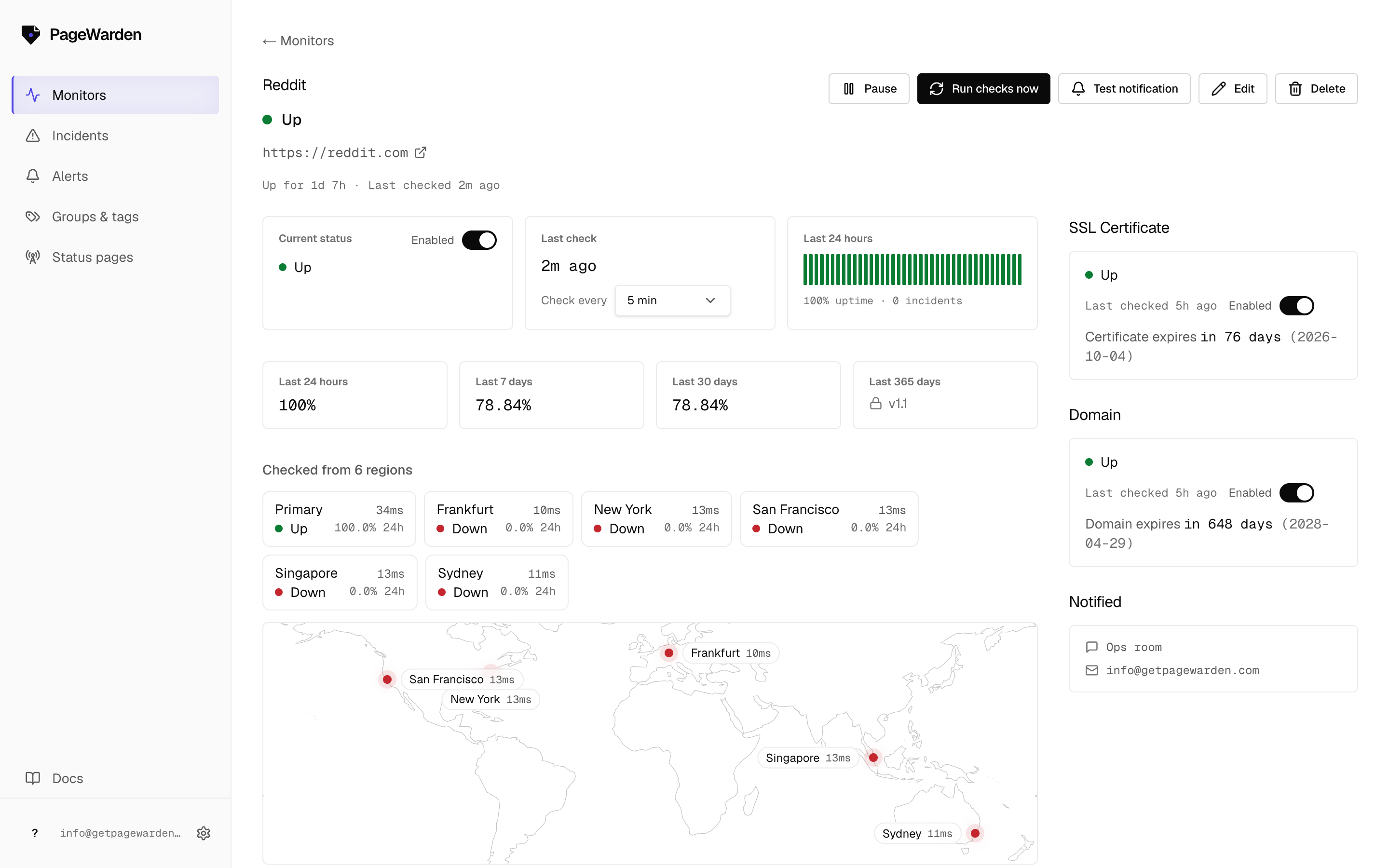
Every website monitor includes three checks
Add a website (an https:// address) and PageWarden watches all three of these,
with nothing extra to configure:
- Uptime: is the page loading. See Uptime monitoring.
- SSL certificate: valid, trusted, and not about to expire. See SSL monitoring.
- Domain expiry: the registration is not about to lapse. See Domain expiry.
The monitor's type
When you create a monitor you pick a type (website (HTTP), Keyword, Port, DNS, or Ping), and that decides the main thing it watches. You choose the type once, at creation. Each type has its own guide in Monitoring.
Watching more than one thing
Each monitor watches one address. To watch more sites or endpoints, add more monitors, and keep them tidy with groups and tags. Watching several URLs under a single monitor is on the roadmap.