Getting started
Organize with groups and tags
Keep a growing list of monitors tidy with groups and tags.
Once you are watching more than a handful of things, groups and tags help you keep the dashboard readable and filter quickly.
- A group is a container for related monitors, for example one group per client or per project.
- A tag is a label you can attach to any monitor, for example
productionormarketing. A monitor can have several tags.
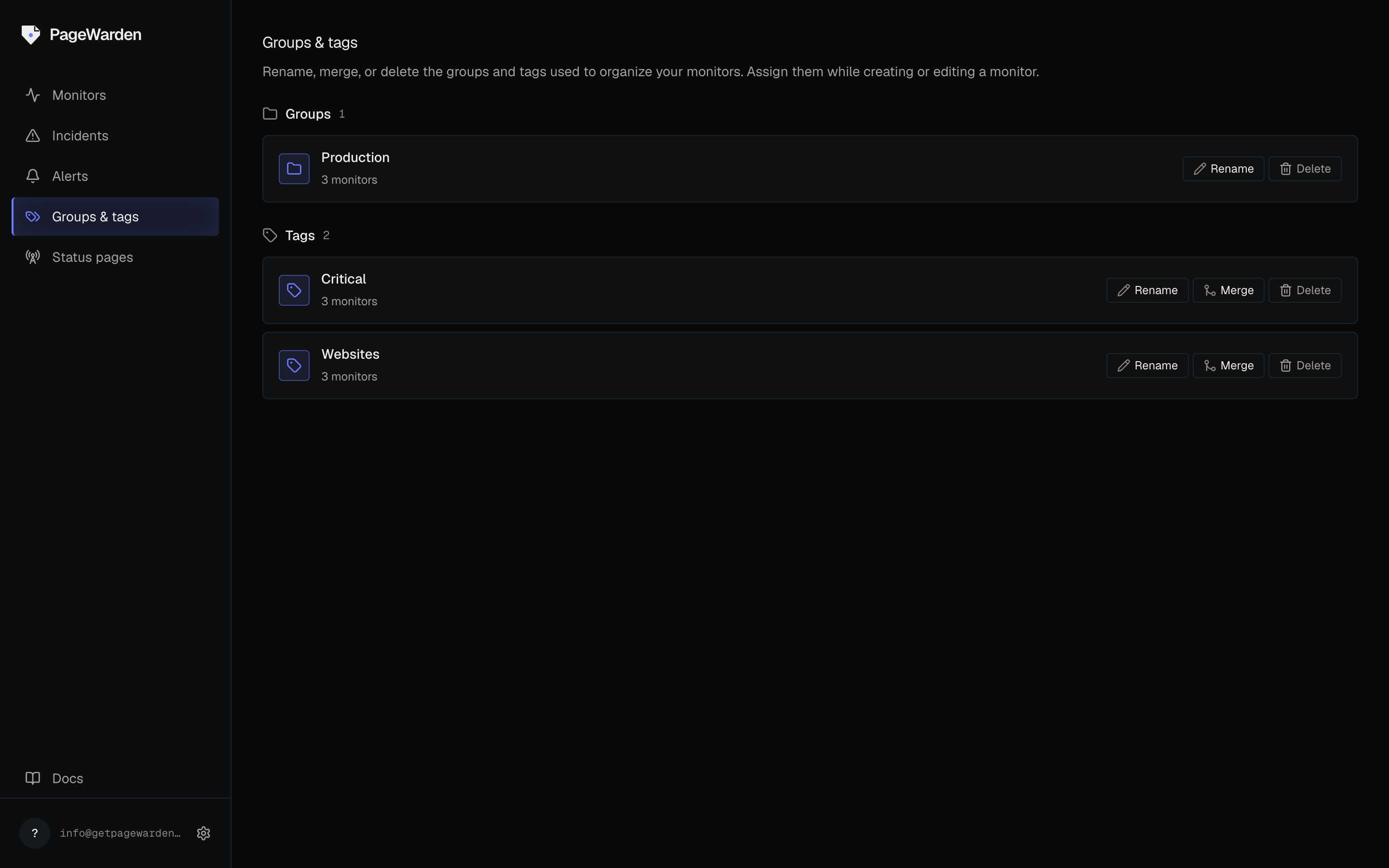
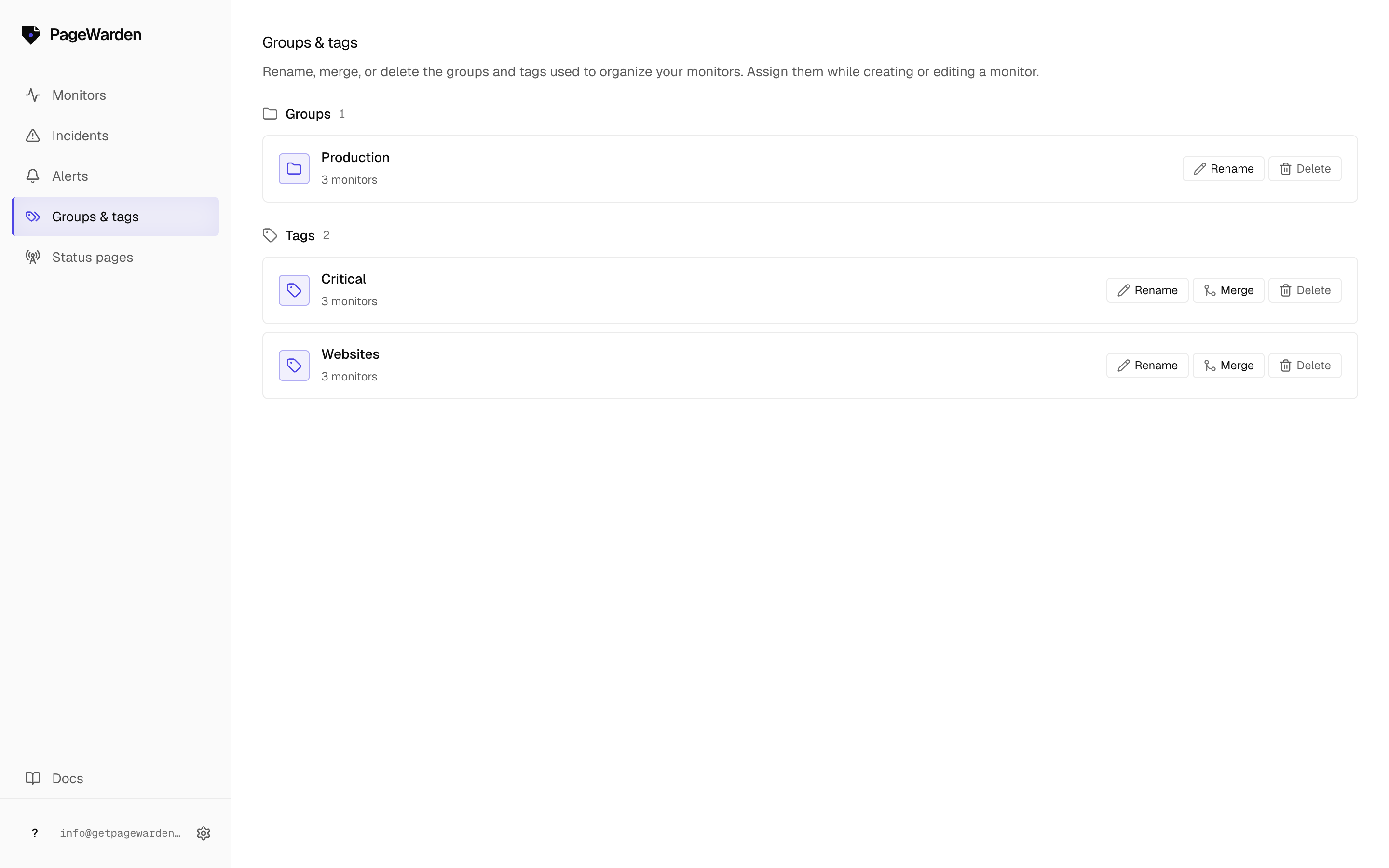
Manage groups and tags
Go to Groups in the sidebar to manage them in one place. From there you can:
- Rename a group or tag.
- Merge two groups (or two tags) into one, which moves all their monitors together.
- Delete a group or tag you no longer need. Deleting a group does not delete its monitors, it just ungroups them.
Each group and tag shows how many monitors it holds, so you can spot empty or stray ones at a glance.
Filter the dashboard
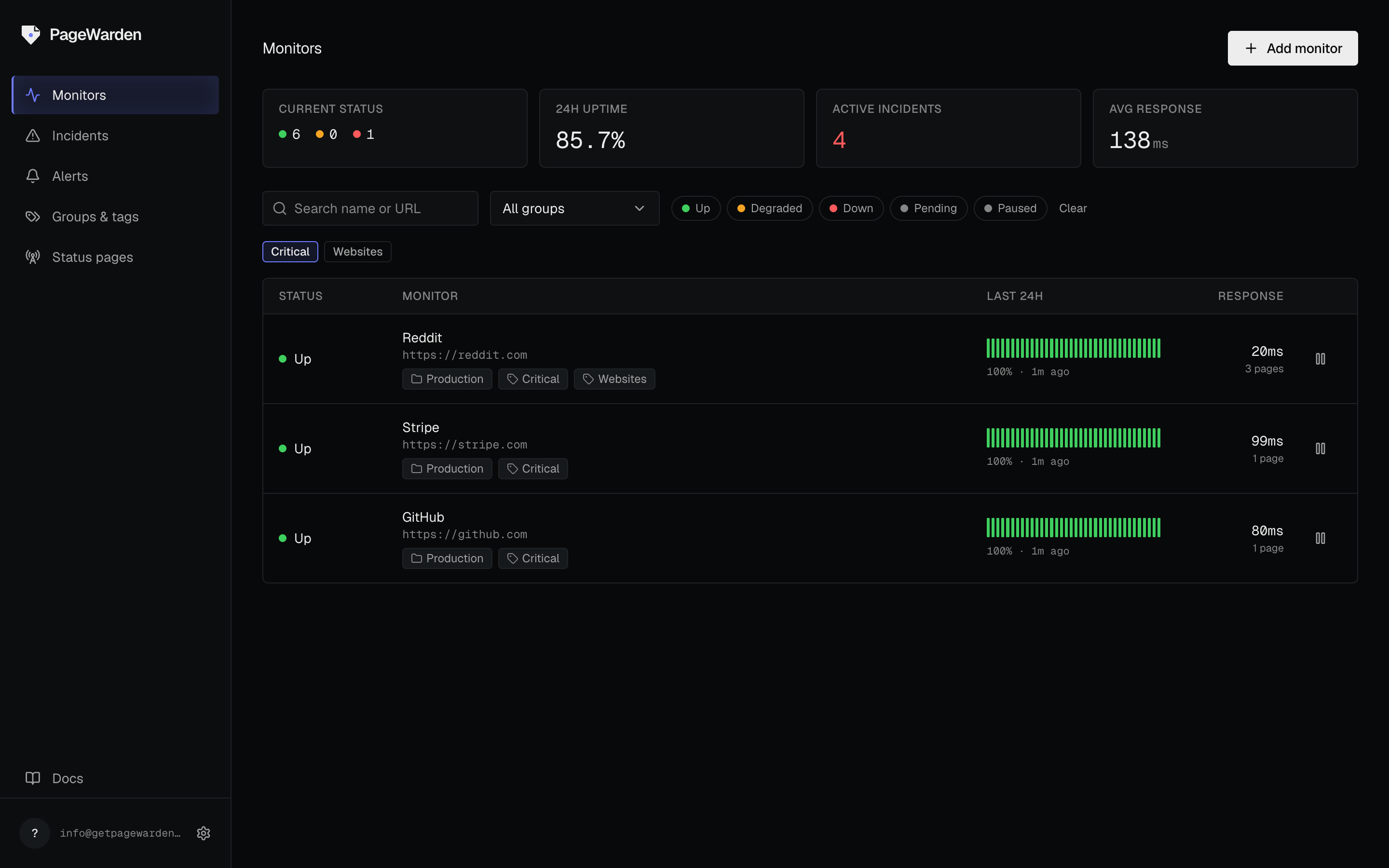
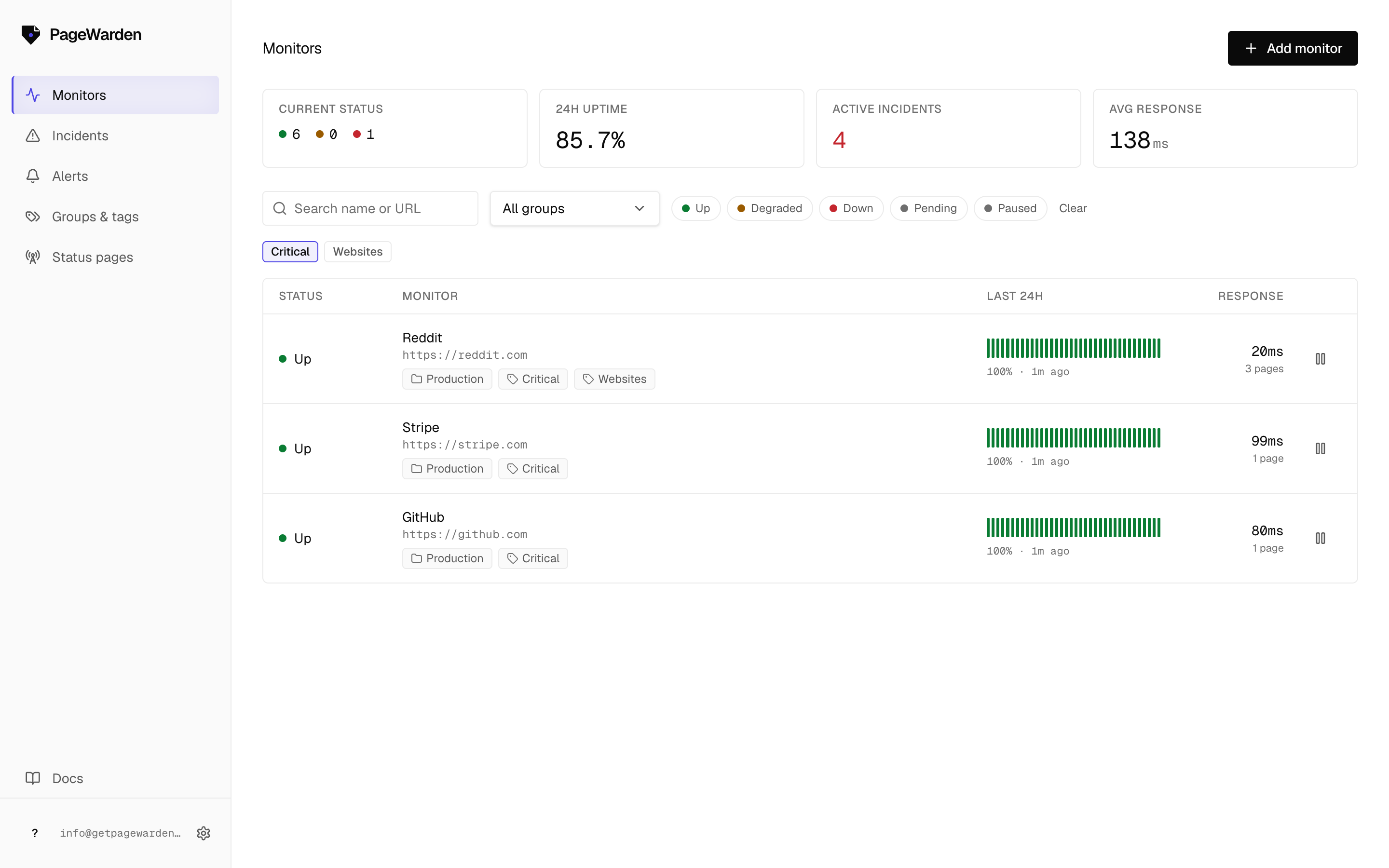
On the dashboard, filter by a group or tag to focus on just those monitors. This is the fastest way to answer questions like "is everything up for this client?"