How checks work
Intervals, multi-region confirmation, and how a failure becomes an alert.
Every monitor runs one or more checks on a schedule. This page explains what happens between a check and an alert. For the individual check types, see the pages in this section.
How often checks run
You choose an interval when you create or edit a monitor. The available options are 1 minute, 5 minutes, 10, 15, 30 minutes, and 1 hour. How fast you can go depends on your plan:
- Free checks every 30 minutes.
- Hobby checks as often as every 5 minutes.
- Starter and Pro check as often as every 60 seconds.
Faster intervals mean you find out about problems sooner. See the plan comparison.
Multi-region confirmation
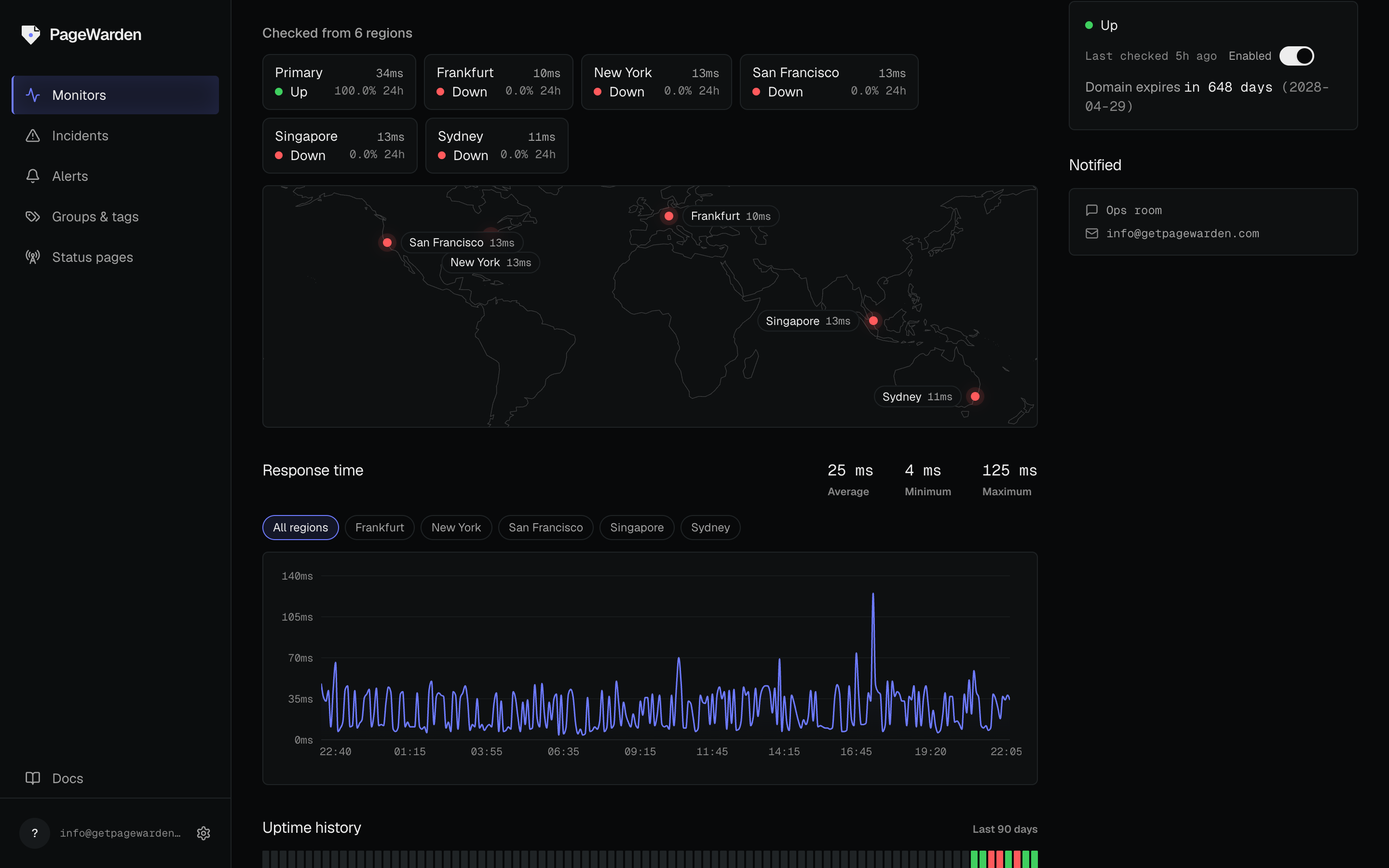
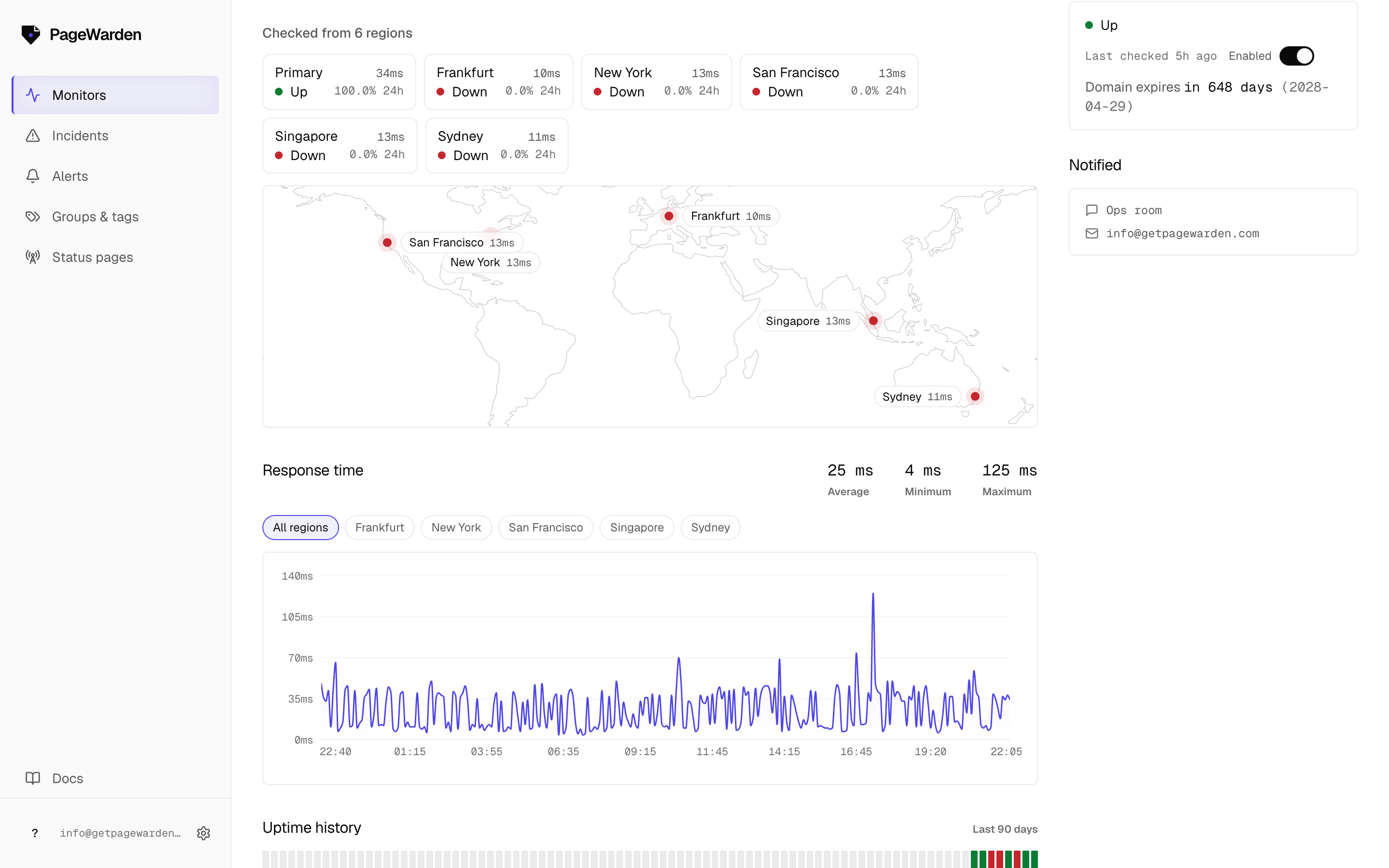
A site can look down from one place on the internet and be perfectly fine everywhere else, usually because of a temporary network hiccup between one server and yours. To avoid waking you for nothing, PageWarden confirms a failure before it records a down.
When a check fails, PageWarden re-checks from several regions around the world and takes a vote. If the failure is only seen from one vantage point, it is treated as a false alarm and suppressed. If it is confirmed across regions, the incident opens and your alerts fire.
Continuous multi-region scanning (checking from every region on every interval, and keeping per-region history) is included on Starter and Pro. On those plans you can also choose which regions a monitor checks from, across New York, San Francisco, Frankfurt, Singapore, and Sydney. Certificate and domain checks are global by nature, so they always run from a single vantage.
From failure to alert
- A check runs and fails.
- PageWarden confirms the failure across regions.
- If confirmed, an incident opens and is timestamped.
- Your alerts fire on the channels you have routed for that monitor.
- When the next check passes, the incident closes and a recovery alert goes out.
On Starter and Pro, each incident also gets a plain-English diagnosis of the likely cause, so you have a head start on fixing it.