Alerts
Alert channels
The ways PageWarden can reach you, and which plans include them.
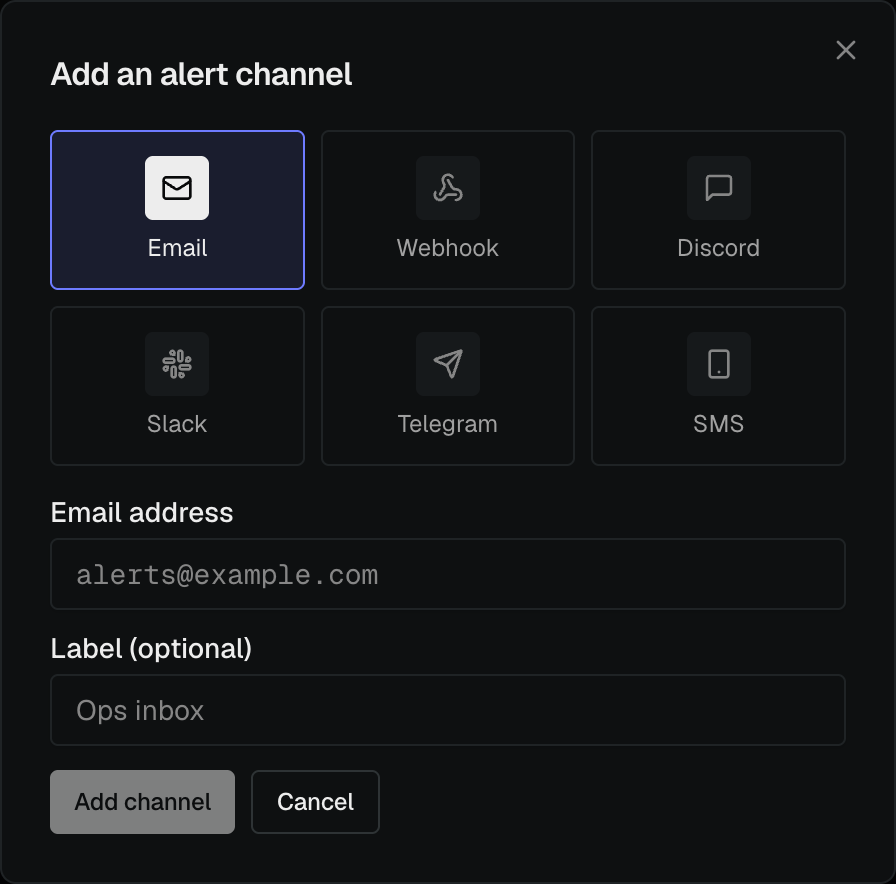
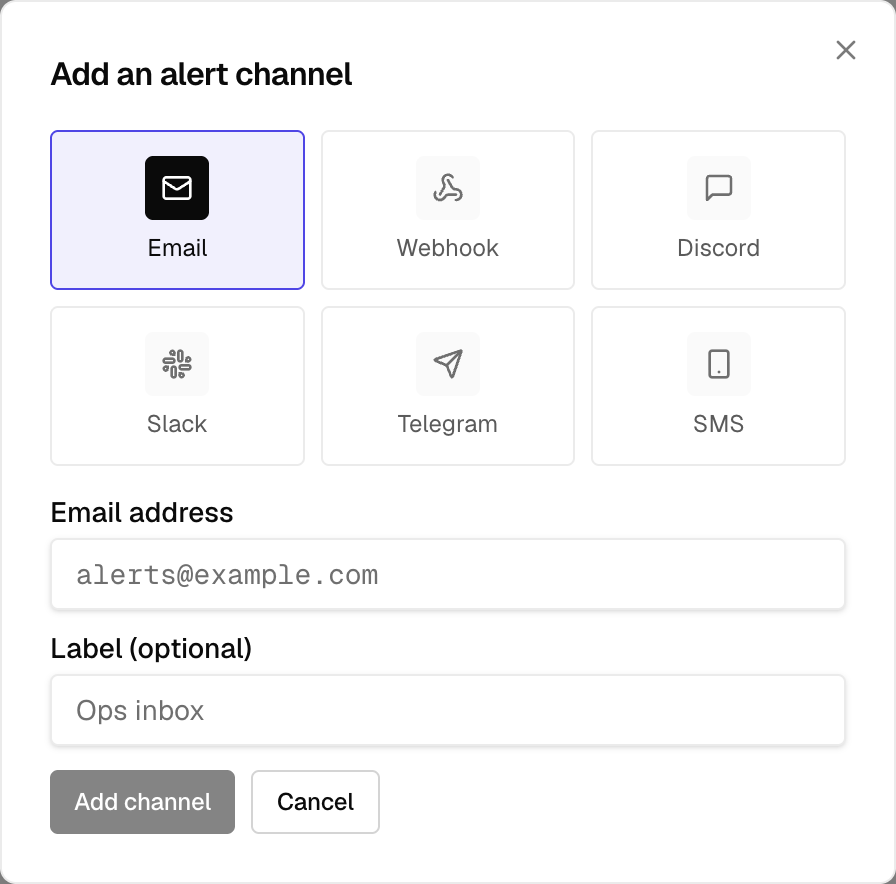
A channel is one destination for alerts. You can have several, and route different monitors to different channels.
| Channel | What it is | Plans |
|---|---|---|
| Alerts to an email address | All plans | |
| Webhook | A POST to your own URL for custom tooling | Paid plans |
| Discord | Messages to a Discord channel | Paid plans |
| Slack | Messages to a Slack channel | Paid plans |
| Telegram | Messages to a Telegram chat | Paid plans |
| SMS | A text message to your verified mobile number | Pro |
Paid channels
Webhook, Discord, Slack, and Telegram are included on Hobby and above; SMS is on Pro. See the plan comparison.
Add a channel
- Go to Alerts in the sidebar.
- Select Add channel.
- Choose the channel type and follow its setup guide.
- Open the channel's ⋮ menu and choose Send test to confirm delivery.
Once a channel exists, route it to the monitors you want it to cover.