Alerts
Telegram alerts
Send alerts to a Telegram chat.
Route PageWarden alerts into Telegram to get incident messages on your phone, without email.
Available on: paid plans (Hobby and above).
Set it up
- Go to Alerts and select Add channel.
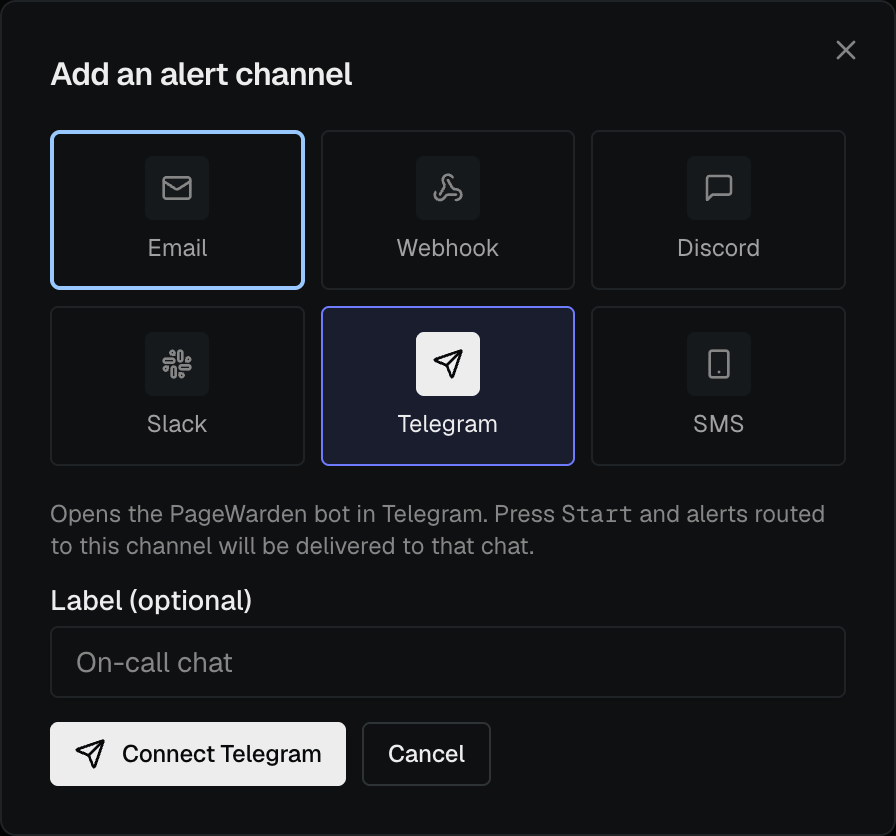
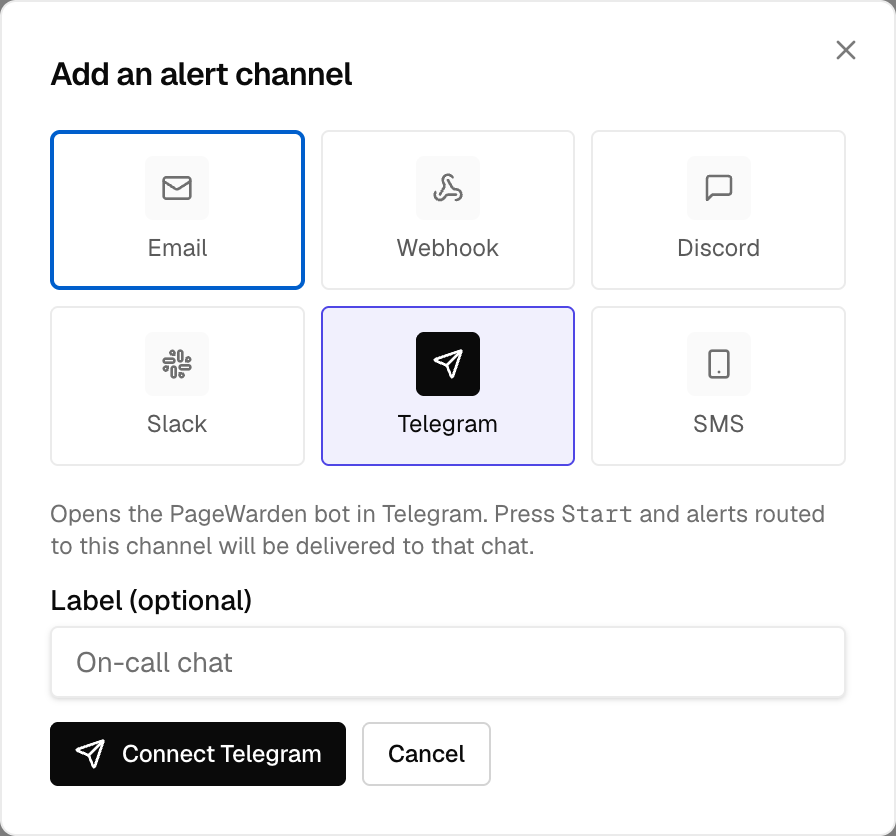
- Choose Telegram.
- Follow the link to open the PageWarden bot in Telegram and select Start. This connects your chat to PageWarden.
- Back in PageWarden, open the new channel's ⋮ menu and choose Send test to confirm a message arrives.
Good to know
- You must press Start in the Telegram bot at least once, otherwise Telegram will not let the bot message you.
- Telegram is a good choice for a personal, hard-to-miss alert on your phone.