Alerts
Discord alerts
Send alerts to a Discord channel.
Route PageWarden alerts into a Discord channel so your team sees incidents where they already talk.
Available on: paid plans (Hobby and above).
Set it up
First, create an incoming webhook in Discord:
- In Discord, open Server Settings then Integrations then Webhooks.
- Select New Webhook, choose the channel it should post to, and give it a name
like
PageWarden. - Select Copy Webhook URL.
Then add it in PageWarden:
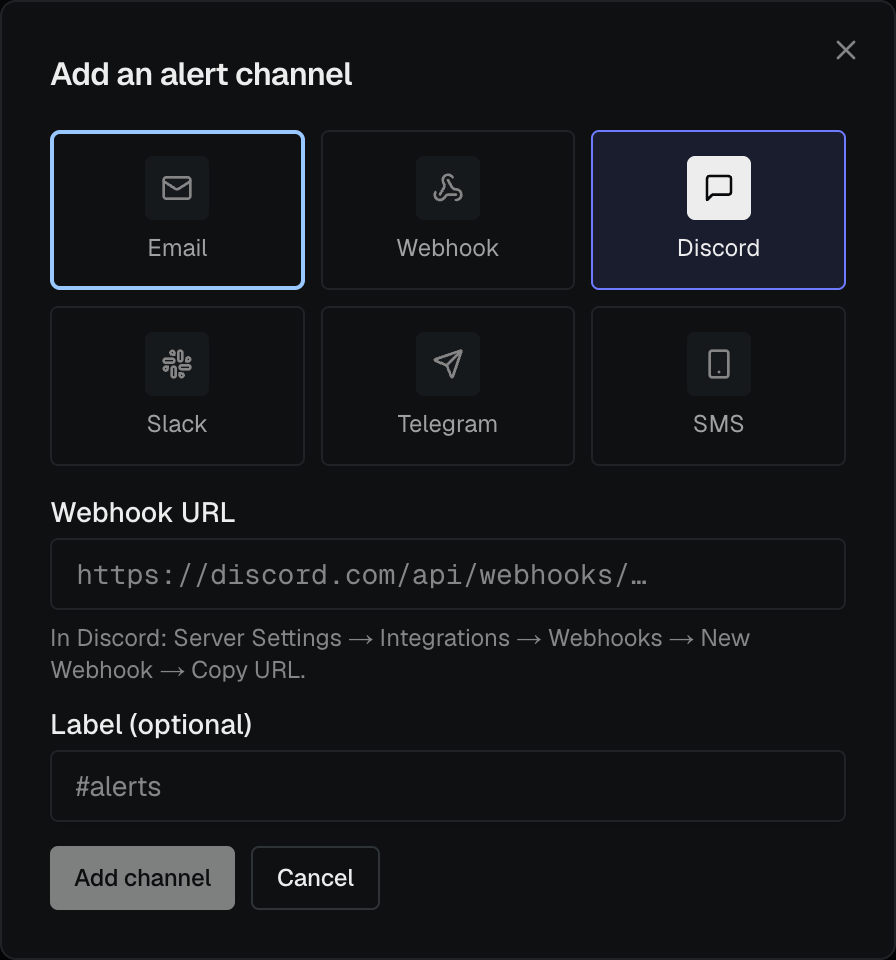
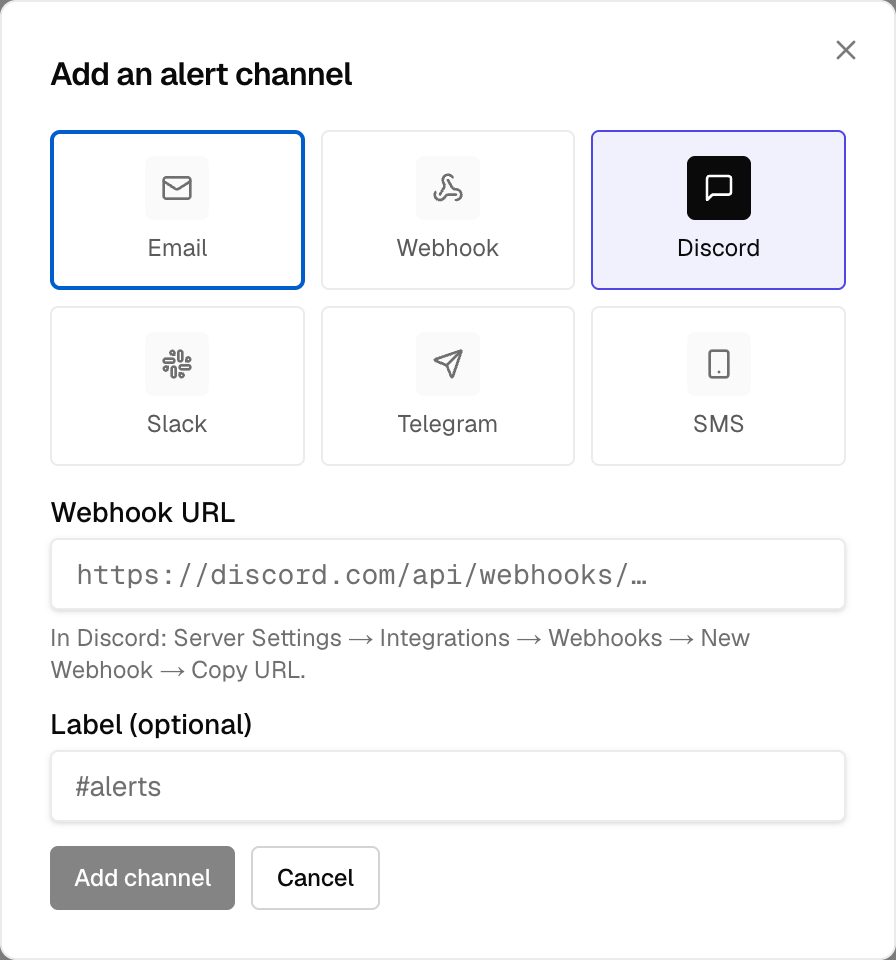
- Go to Alerts and select Add channel.
- Choose Discord.
- Paste the webhook URL.
- Open the new channel's ⋮ menu and choose Send test to confirm a message appears in the channel.
Good to know
- Anyone who can see the channel will see the alerts, so pick the right one.
- If messages stop arriving, the webhook may have been deleted in Discord. Recreate it and update the channel in PageWarden.