Alerts
Webhook alerts
Send alerts to your own URL for custom tooling.
A webhook lets PageWarden send each alert to a web address you control, so you can plug incidents into your own systems, a status page, or an automation tool.
Available on: paid plans (Hobby and above).
Set it up
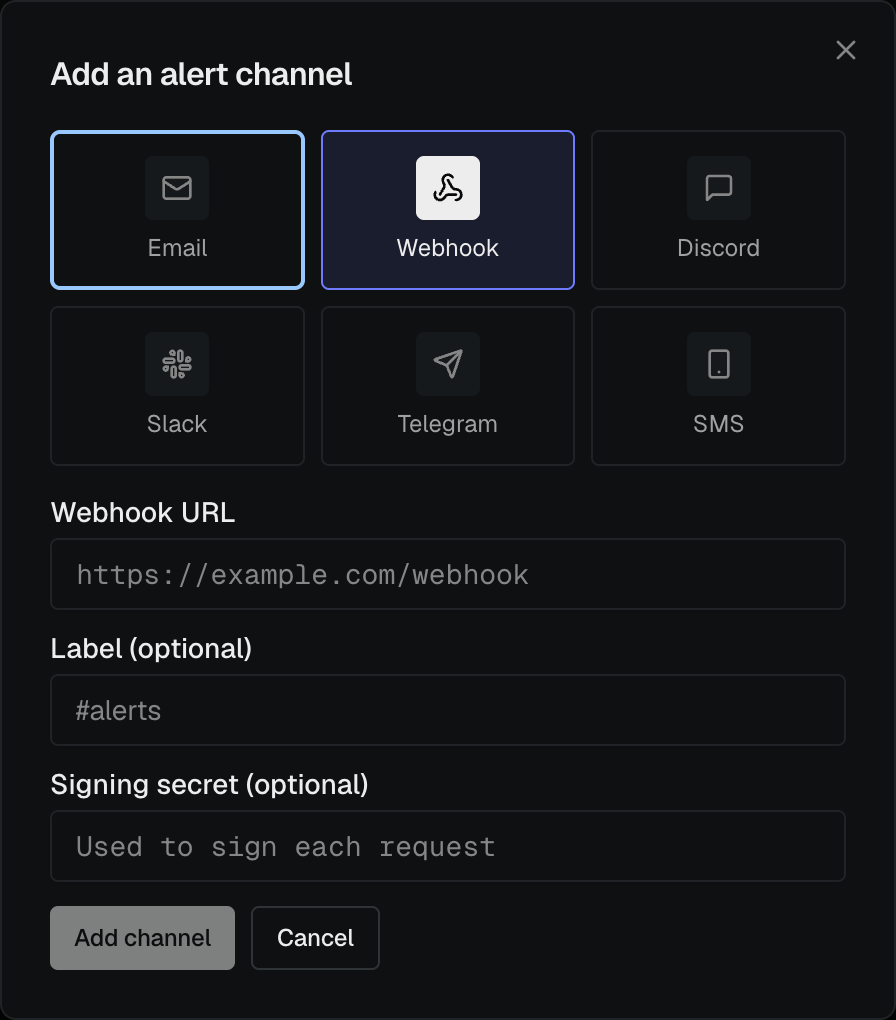
- Go to Alerts and select Add channel.
- Choose Webhook.
- Paste the URL that should receive the alerts.
- Open the new channel's ⋮ menu and choose Send test to confirm your endpoint receives it.
What PageWarden sends
When an incident starts or resolves, PageWarden sends a POST request with a JSON
body describing the monitor, the event, and the time. A test send uses the same
shape so you can build against it. Your endpoint should respond quickly with a
success status.
Good to know
- The receiving URL must be reachable from the public internet.
- If you just want messages in a chat app, use the ready-made Slack, Discord, or Telegram channels instead. Webhooks are for building your own integration.